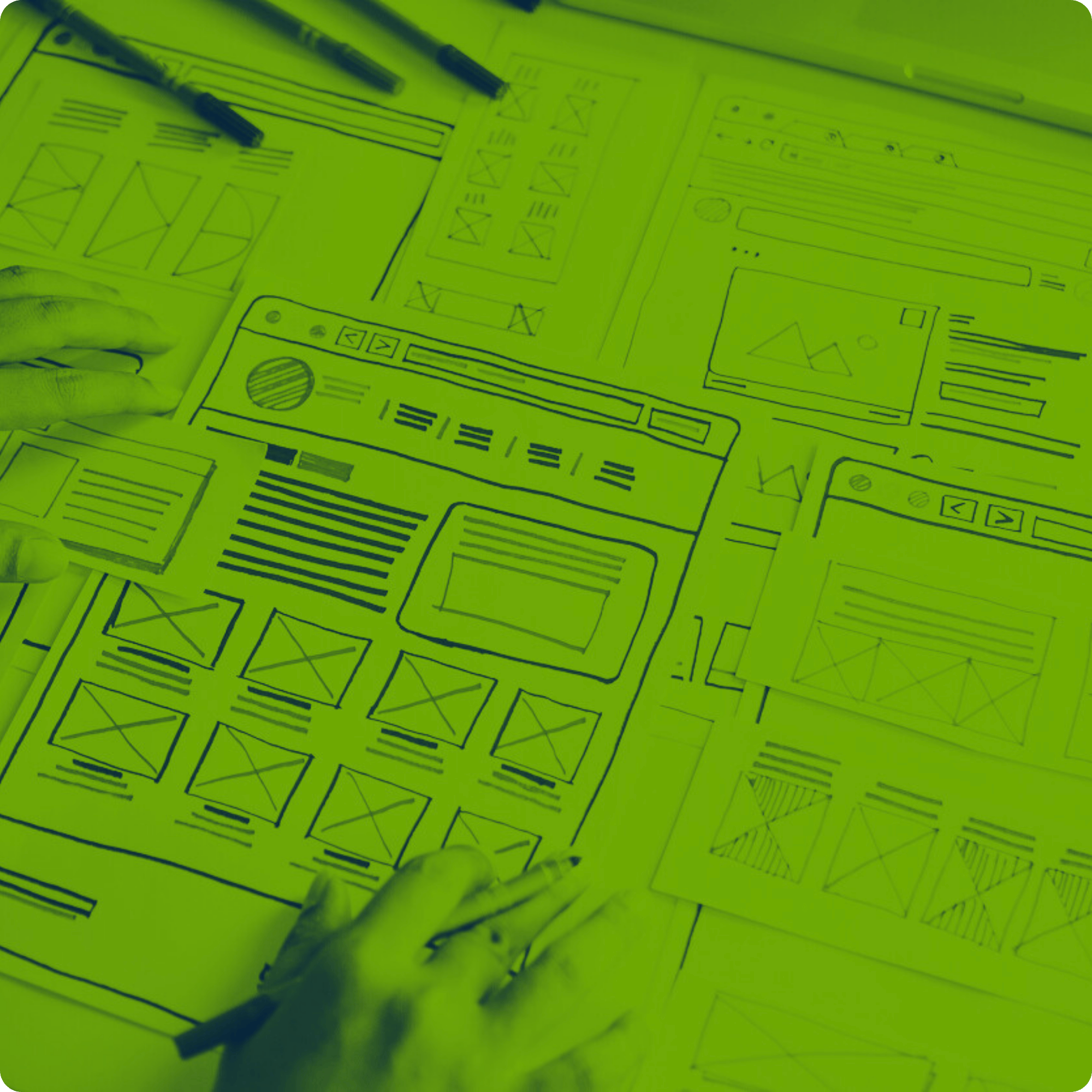
Turn your legacy UX into a business advantage
UX/UI Refresh for Legacy Systems
A structured UX/UI refresh process that helps enterprise teams modernize critical workflows, improve usability, and define a practical modernization roadmap.
- Optimized user workflows
- Modern UX for legacy applications
- Clear, low‑risk modernization roadmap

Trusted by Leading Innovators
Why Choose Our UX/UI Refresh ?
Our UX/UI Refresh is built for ISVs and organizations relying on complex legacy systems but want to improve interfaces and optimize workflows for their users. We combine enterprise UX expertise with deep understanding of legacy constraints to deliver practical, implementable concepts. Here’s what you get:
Streamline Critical Workflows
We identify and redesign high-impact workflows so users can complete their tasks with fewer steps, less confusion, and lower cognitive load. This means faster task completion, fewer mistakes, and smoother handovers between teams.
Modernize Legacy Interfaces
We turn dense, outdated screens into clear, modern interfaces with improved layout, navigation, and information hierarchy. Your customers benefit from a familiar system with a significantly better user experience — without a risky full rewrite.
Preserve Stable Backend Logic
You keep the business rules and integrations that already work. We focus on the UX and UI layer, creating concepts that can be implemented on top of existing architectures, reducing risk, cost, and time to value.
Align UX with Business Goals
We connect UX improvements to measurable business outcomes: efficiency, error reduction, training time, maintenance effort and customer satisfaction. This makes it easier to secure buy-in and prioritize what to modernize first.
Reduce Training & Onboarding Time
By simplifying interfaces and clarifying navigation, new users can learn key systems faster. Experienced users benefit from more intuitive workflows, leading to fewer workarounds and less frustration.
Improve Adoption of the system
When tools match how people actually work, they are used more consistently and correctly. Our workshop concepts help increase adoption of the system for customers.
Common Challenges We Address
Many legacy applications still power critical business operations, but years of incremental UI changes often result in complex workflows, inefficient navigation, and growing operational friction.
Our UX/UI Refresh is tailored to resolve the UX blockers that slow down daily work and make legacy systems hard to use.
Confusing Navigation
High Error Rates
Long Training and Onboarding
Low UX Visibility for Stakeholders

Our UX/UI Refresh Process – Step by Step
We follow a structured, time-efficient process that brings together business, UX, and technical perspectives while respecting your team’s availability.
Discovery Call
A one-hour session to understand your legacy system and modernization goals. We clarify scope, constraints, and which key workflows to focus on.
UX Refresh Workshop preparation
We build a focused foundation for the workshop by conducting a high-level UX analysis of the existing system, identifying and clustering key problem areas, and defining the scope and priorities to ensure the workshop targets the highest-impact improvements.
UX Refresh Workshop
A focused workshop with product, UX, and technical stakeholders. Together we map real workflows, identify pain points to define modernization direction and align on UX priorities and success criteria.
UX Concept Consolidation & Visualization
We turn workshop outputs into actionable guidance by consolidating insights, documenting key decisions, assumptions, and defining UX recommendations. We visualize the direction through low- to mid-fidelity designs of key views, helping stakeholders validate the approach before full redesign.
Modernization Roadmap and estimates
We consolidate all findings into a practical, implementation-oriented roadmap. We provide phased UX/UI improvement recommendations, including scope-based estimates and clear options for frontend modernization.
Deliverables and Timeline
UX Concept for Key Workflows
Actionable UX concepts showing improved flows and redesigned key screens for your most important processes.
Visual Design Direction
A modern visual direction for your application, including layout principles, UI patterns, and accessibility-aware guidelines aligned with enterprise UX standards.
Usability Improvement Recommendations
A structured list of UX issues and opportunities, grouped and prioritized so your teams know what to address first.
Modernization Roadmap
A phased plan from quick UX wins to broader interface modernization, with priorities and suggested implementation paths.
Prepared for the next step?

Book Your UX/UI Workshop Intro Today

Book Your Call with Our Tech Expert
Here’s How We Help

Increase Product Adoption & Customer Retention
For ISVs, UX directly impacts how quickly customers adopt and continue using your product. Intuitive, well-structured interfaces reduce onboarding time, improve user engagement, and make it easier for customers to realize value—leading to stronger retention and lower churn.

Reduce Support Costs & Operational Friction
Poor UX often translates into higher support volume and user errors. By simplifying workflows and improving clarity, you reduce confusion, minimize training needs, and lower the ongoing cost of supporting your product across a growing customer base.

Strengthen Competitive Positioning
A modernized UX creates a stronger foundation for future features and integrations. Clearer structures, improved navigation, and updated design patterns make it easier to evolve the product and respond to changing market and customer expectations.
Related Services
Legacy Software Redesign
SecureStack Analysis
AppHealthCheck
Get a focused assessment of your application health and modernization opportunities to support better decisions.
Frequently Asked Questions
What is a UX/UI Refresh for legacy systems and how does it help?
A UX/UI Refresh for legacy systems is a structured engagement where we analyze your current application, workflows, and UX challenges, then propose modern UX concepts and a roadmap. It helps you see what to improve, what it could look like, and how to proceed without committing to a full rebuild.
Do we need to rebuild our system to improve UX?
No. The workshop focuses on the user experience and interface layer, not on replacing your backend. Depending on your needs we focus to analyse your tech stack and if necessary propose an App Health Check to check integration options in detail. Our objective is to keep existing logic and integrations while gaining a clear plan for UX and UI improvements on top.
Can your concepts work with our desktop-based or hybrid setup?
Yes. We work with desktop, web, and hybrid setups common in industries like telecom, transportation, manufacturing, and other enterprise environments. Concepts are tailored to your technology and operational context.
What does the engagement process look like and how do we get started?
We start with a short discovery call to clarify goals, scope, and constraints. Then we run the UX/UI workshop over 1–2 weeks, deliver concepts and a roadmap, and walk your team through the results. To begin, simply contact our experts using the form or a direct consultation option.
What kind of organizations benefit most from this workshop?
Enterprises and ISVs running complex, business-critical systems benefit most from this workshop—especially in industries like logistics, transportation, manufacturing, telecom, and other regulated environments. If your teams or customers rely on legacy applications daily and you’re looking for a low-risk way to modernize UX without disrupting core logic, this workshop is a strong fit.
What happens after the workshop?
We process, analyse the results to prepare a new proposals for you. We walk you through the findings, UX concepts, and roadmap, and answer your questions. After that, you can implement improvements internally, work with us as a delivery partner, or combine both approaches.
How do you ensure data security and confidentiality?
We align on security and compliance requirements at the start and sign an NDA. As a partner experienced with sensitive enterprise environments, we follow strict security practices and only access the minimum information needed to run the workshop effectively.